Thanks for purchasing our theme. We are very happy to assist you to install our theme and configure it.
You can install a WordPress theme using the dashboard or via cPanel. We have shown multiple ways to install the theme.
Using Dashboard:
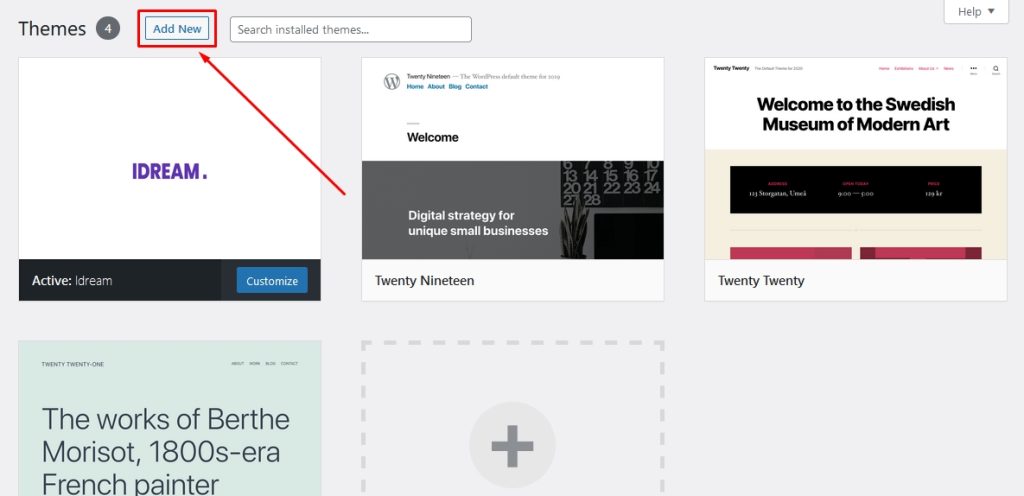
First of all, log in to your WordPress dashboard. Then go to Appearance> Themes. Now you will find a button with Add New.
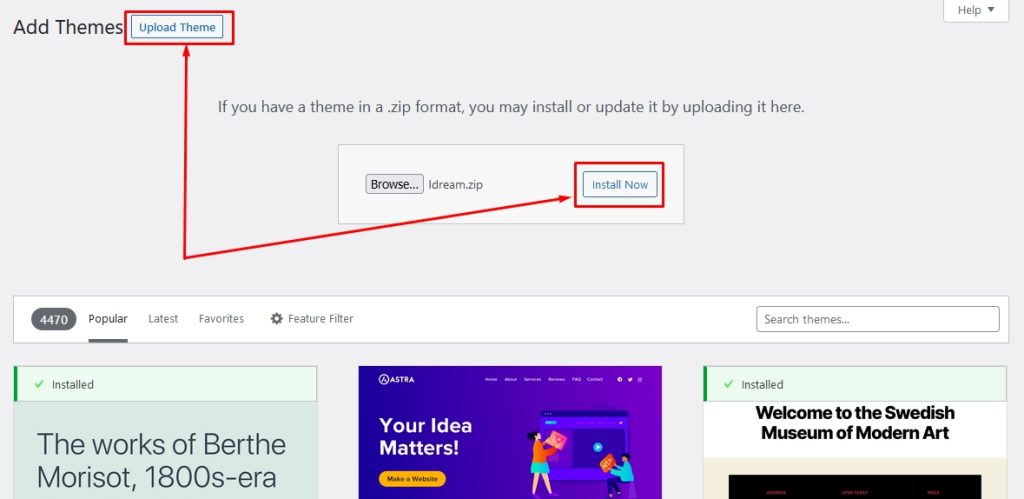
Now, click on the Add New button. Once you click the Add New button, you will see a window like below.
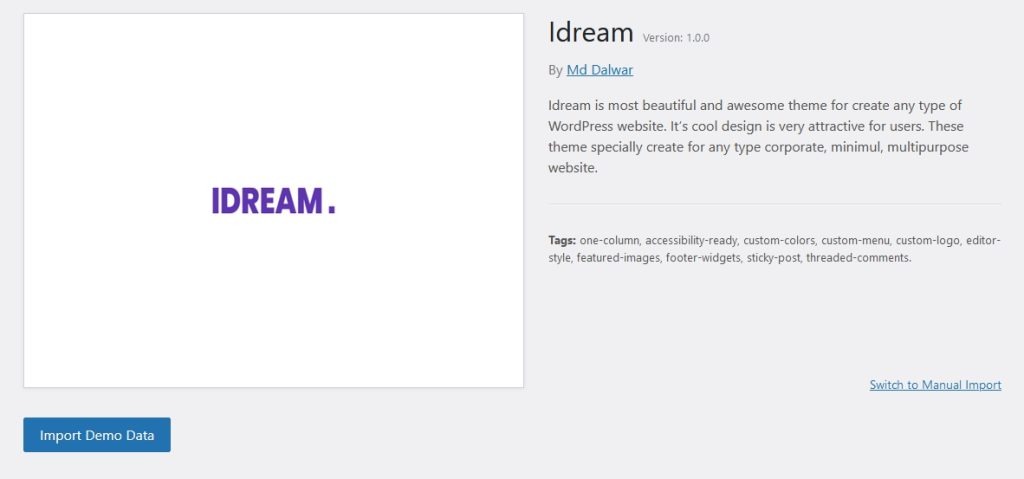
You can import a demo using the Import Demo Data option, which is located under the Appearance.
Note: Some images may not be imported. You need to upload manually.